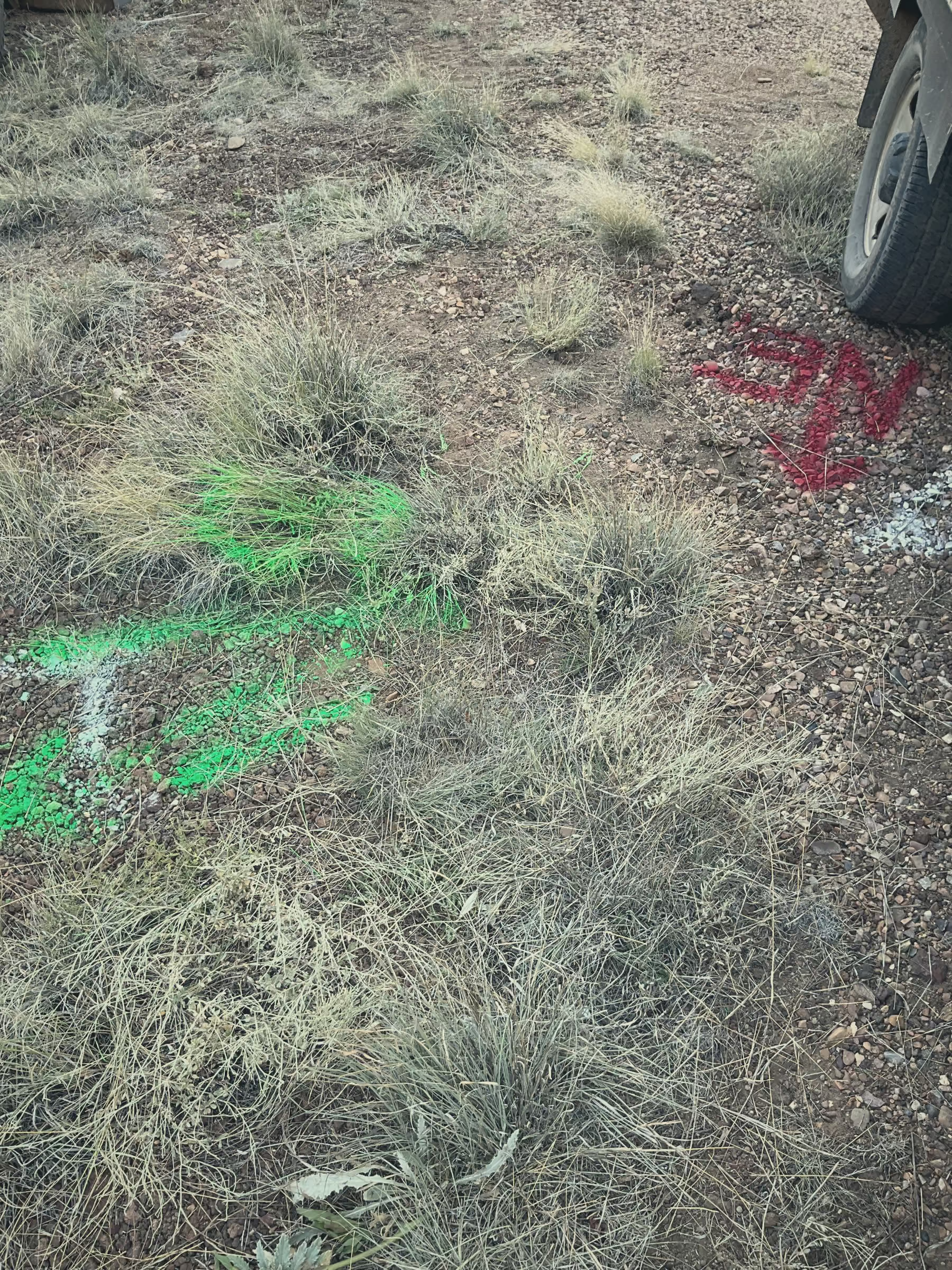
Half your service area has no bars. You know the spots. The road past the old grain elevator. The lift station down in the creek bottom. The booster pump out by the county line where your phone drops to one bar, then nothing. So when somebody hands you a work order app that needs Wi-Fi to open, it is a paperweight in the truck. Worse than a paperweight, because at least a paperweight does not promise you something it cannot deliver.
This is the daily reality for a ruralwater system. The job is out where the signal is not. You head to the dead zone to do the work, and the work is exactly where you need to look something up, write something down, and snap a photo. If the app goes blank the second you lose signal, you are back to a notepad on the dash and a memory you will try to type in tonight, if you remember.
So let us talk about what a work order app for rural water actually has to do. Not the feature list. The real test. It has to work with no signal, hold what you put into it, and sync the second you are back in range. Everything else is talk.
The crew sees the job on the map, not buried in a list
Start with where the work is. A work order that says "fix valve, Main Street" is half a clue. Which valve. There are nine on Main. Is it the one by the school or the one behind the diner. The new guy does not know. The retiring operator knows, but he is not in the truck today.
When dispatch puts the job on the map, the crew sees the dot. They see the valve, the hydrant, the meter, sitting right where it lives in the real world. They tap it and the work order opens. They can see what is around it, the main it sits on, the valves up and down the line. That is the difference between sending somebody to a street and sending them to an asset.
This is the first pillar Ziptility is built on. Everything sits on a map. Not a spreadsheet of addresses, not a binder of hand-drawn lines, but your actual system with every asset where it belongs. If you want the longer version of how the mapping side works, we walk through it in our guide to mapping your system. You do not need a GIS degree to read it, and you do not need one to use the map either.
Capture the work in the field, signal or no signal
Here is the part that matters most out in the creek bottom. You pull up the work order with no bars. It is already there, loaded on your phone or tablet before you left range. You read the notes. You do the work. You write down what you found. You take three photos of the cracked valve box. You log the parts you used off the truck.
None of that needs a signal. The app holds it on the device. Then you head back toward town, your phone catches a bar or two, and it syncs. The office sees it. The record updates. You did not retype a thing.
Let me be straight about what this is and is not. It is capture now, sync later. It is not live, instant updates from a dead zone, because no app can pull that off where there is no signal to pull on. Anybody who tells you their app does live sync with zero bars is selling you something. What you get with Ziptility is honest and it is enough: the work goes into your hand in the field, and it lands in the office the moment you are back in range.
Photos are a big piece of this. A picture of the meter pit, the corroded fitting, the manhole you could not get open, all of it sticks to the asset. William Million in Arcadia put it plainly. "Just having access to be able to get a screenshot has been a lifesaver. I'm tickled to death." A photo settles arguments. It tells the next person what they are walking into before they load the truck.
Closeout and QA so the record is not half-finished
A work order is not done when the wrench goes back in the box. It is done when the record is right. This is where paper falls apart. The note on the dash gets coffee on it. The job gets typed up three days later from memory, or it does not get typed up at all. Six months on, nobody can say for sure what was done.
When the crew closes a job in the app, they fill in what they did, what they used, and what they saw. The office can look it over before it is filed. Did the photo make it. Did the parts get logged. Is the condition noted. That review step is small, but it is the difference between a record you can hand to the board and a record full of holes.
Derrick Holloway said the editing side surprised him. "I'm amazed at how easy it is to edit. I can't believe how fast and easy it is." That ease matters more than it sounds. If fixing a record is a chore, people skip it, and the holes pile up. If it takes ten seconds, the record stays clean.
Clean records add up faster than you would think. One of our utilities, around 3,600 connections, did a pile of work in a year and kept every bit of it. Blake Anderson on our team described it. "One of our utilities did like dang near 8,000 tasks last year. They're like 3,600 connections." That is a small system. That is not an army of operators. That is what happens when the work actually gets recorded instead of slipping through the cracks.
Preventive maintenance so routine work does not get forgotten
The squeaky wheel gets the grease, and the quiet valve gets forgotten. That is how a system ends up with hydrants nobody has flushed in years and valves nobody has exercised since the last superintendent retired. Not because anyone is lazy. Because the emergencies always jump the line, and routine work has no voice.
Preventive-maintenance scheduling gives the routine work a voice. You set the routine once: exercise these valves on this cycle, flush these hydrants on that one, check these pumps on a schedule. The app puts the jobs in front of the crew when they come due. You are not keeping it all in your head. You are not relying on a sticky note on the filing cabinet.
And because the jobs ride on the same map, the crew can knock out a whole run in one trip. Hit every valve in that quarter of town while they are out there. The work that used to fall off the calendar gets done, and you have the records to prove it when a funder or a regulator asks what your maintenance program looks like. If a specific flushing or testing frequency applies in your state, check your own permit, because the requirements vary [VERIFY: state-specific flushing and valve-exercising frequency requirements].
The history stays tied to the asset for the next person
This is the part that pays off years from now. Every work order, every photo, every note stays attached to the asset it was about. Pull up that valve five years from today and you can see every time somebody touched it. What broke. What got replaced. What the operator before you noticed and wrote down.
That is institutional knowledge, and right now in most small systems it lives in one person's head. When that person retires, it walks out the door with them. We wrote a whole piece on the retiring operator problem because it is the quiet crisis nobody talks about until the day the only person who knew where the buried valves are turns in his keys.
Tying history to the asset is how you keep that knowledge in the system instead of in a memory. The new hire is not starting blind. The map tells them where. The history tells them what happened. The photos tell them what to expect. That is worth more than any single feature.
What this means for a small utility
Ziptility is built for small water and wastewater utilities, not IT departments. The whole point is that the work shows up on a map, gets captured in the field whether you have signal or not, and stays tied to the asset so the next person is not guessing. You do not need a big budget, a GIS degree, or an IT crew to run it. You need a phone, a truck, and the will to get off paper before the knowledge walks out the door.
If you want to compare the nuts and bolts, we lay out the work order features that matter for small water utilities in plain terms, no jargon.
Here is how we start. Give us about 45 minutes and we will set it up with your actual data, your assets, your service area, so you can see your own system on the map instead of a demo. Book a demo, see how it works, or check what it costs. Your data stays yours, and you can export it any time.
.avif)