The water side is mapped. You can pull up the system on a tablet, find any valve, trace a main, see where the hydrants sit. Years of work went into that map and it shows.
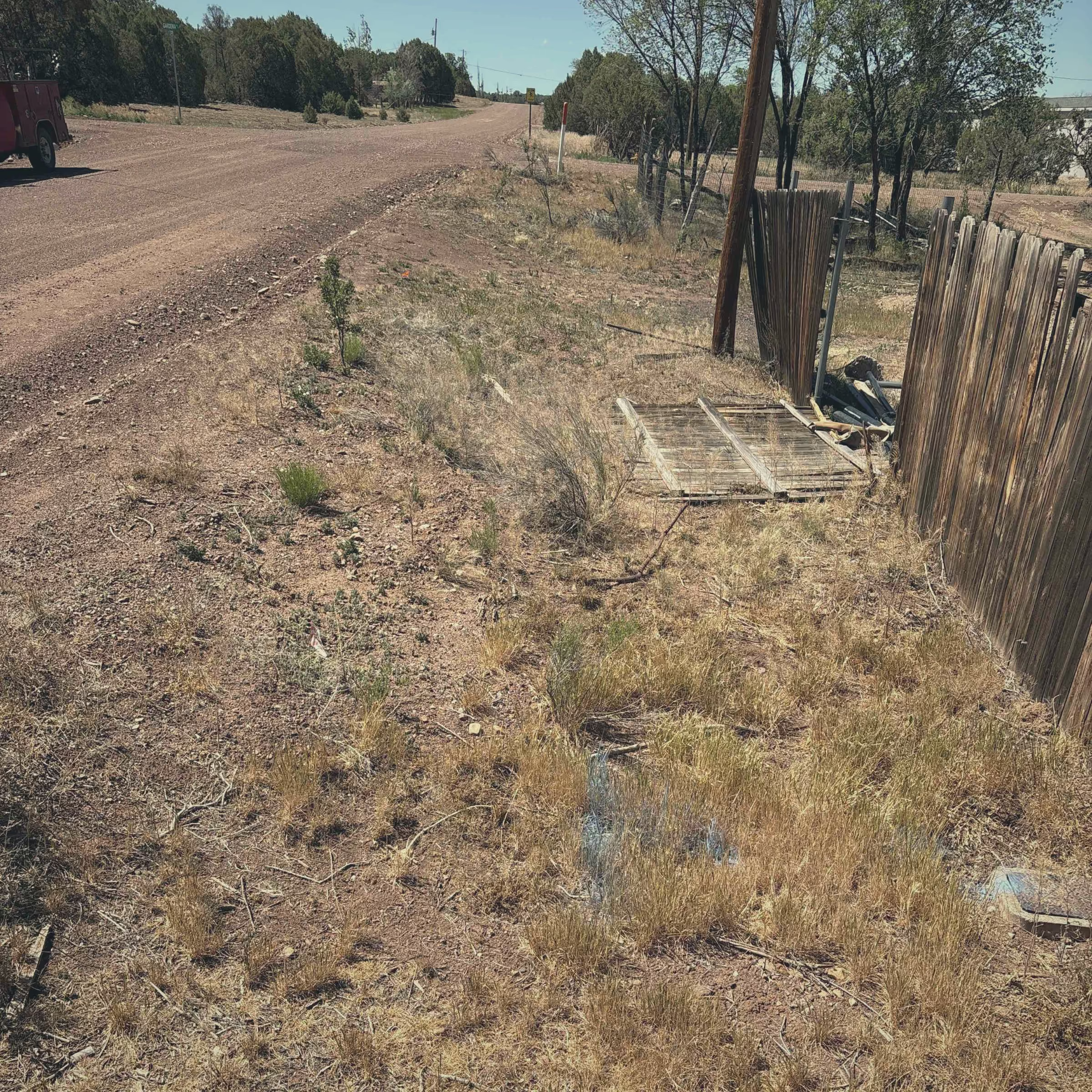
The sewer side is a different story. Half the manholes are paved over from the last street job. The as-builts for the gravity mains are rolled up in a tube somewhere, and the ones you can find do not match what is actually in the ground. The lift station? The wiring, the run times, the trick to getting the lag pump to kick on, all of that lives in the head of the one operator who has been there twenty years. When he retires, it walks out the door with him.
This is normal. Sewer collection systems are buried, out of sight, and easy to put off. Nobody calls about a gravity main until it backs up into a basement. But the day the state asks for a map of your collection system, or you take on inflow and infiltration that is drowning your treatment plant, paper and memory stop being enough.
Here is how a small utility maps the sewer side, puts inspection findings where the problem actually is, and keeps the lift station from surprising anyone. The good news: you do not need a GIS degree, a big budget, or an IT department to do it.
Map the collection system first
Start with what carries the flow. A sanitary sewer collection system is a handful of asset types, and every one of them belongs on the map.
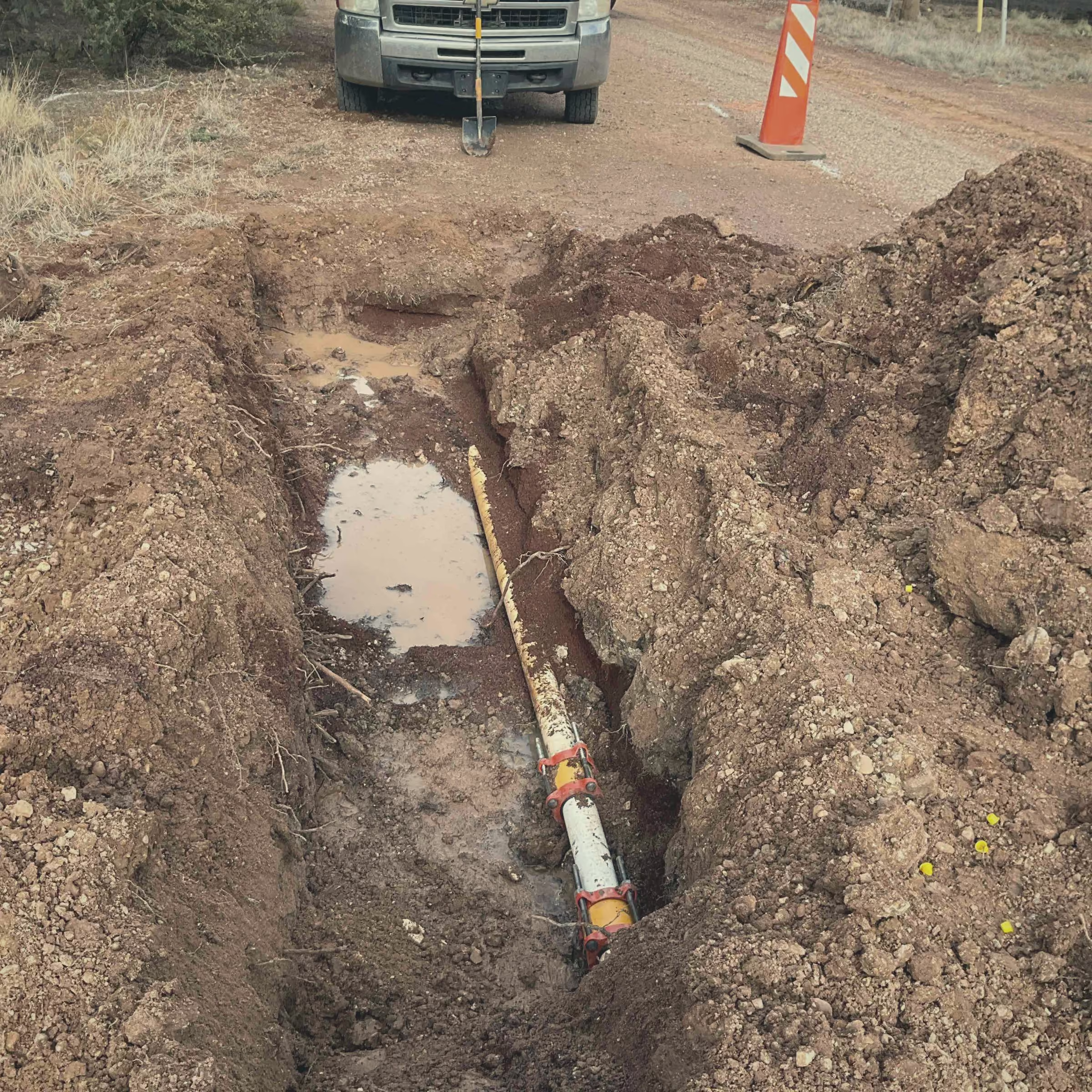
You do not have to survey all of this in one week. Most small utilities build the map the way they build anything else, a little at a time. Pop a manhole lid, drop a point, snap a photo of the inside, add a condition note, move to the next one. The operator who knows where the paved-over manholes are can walk the routes and mark them before that knowledge retires. That is the whole point of getting off paper before it is too late: the map outlives the memory.
If you are coming from rolled-up as-builts and a wall map, the jump feels big. It is not. Going from paper maps to digital is mostly a matter of starting, then adding detail as you touch each asset in the field. Our guide to mapping where things are walks through the basics.
Put CCTV and inspection findings where the problem is
A sewer inspection that lives in a folder on someone's desktop is a sewer inspection nobody will find in three years.
When you run a camera down a line, the findings need to land on the map, on the actual pipe segment or manhole you inspected. Cracked pipe between manhole 14 and manhole 15. Roots at the joint forty feet in. Grease buildup choking a run downtown. Offset joint letting groundwater in. Each of those is a real place, and the record belongs at that place.
Ziptility does not run your camera and it does not import a CCTV system. What it does is let you attach the findings to the asset. You can put the inspection notes, the date, a photo of the defect, or a link to the video file right on the manhole or the pipe segment. Next time anyone opens that asset on the map, the history is right there. No digging through a drive. No asking the guy who ran the camera last spring what he saw.
This matters most when you are deciding what to fix. Twenty manholes need work and you have budget for five. If every inspection is on the map with photos and condition notes, you can see the bad runs cluster, make the case to the board with real records, and spend the money where the pipe is actually failing.
Track inflow and infiltration where it is happening
Inflow and infiltration, I and I, is groundwater and stormwater leaking into pipes that are supposed to carry sanitary flow only. Infiltration is groundwater seeping in through cracks, bad joints, and failing manholes. Inflow is stormwater getting in fast through the wrong connections, illegal sump pumps, and uncapped cleanouts. Either way, you are treating water that should never have entered the system, and your treatment plant pays for it every wet day.
The hard part of I and I is that it is invisible until you go looking, and once you find it, it is easy to lose the notes. You smoke test a neighborhood and find three houses with downspouts tied into the sanitary. You flag a manhole sitting in a low spot that fills every storm. You watch flow at the plant jump after rain and you know it is coming from the north side, but where on the north side?
Put it on the map. Mark the leaking manhole. Flag the pipe runs where flow spikes during wet weather. Drop a note on the cross-connection you found during smoke testing. When the I and I findings sit on the map next to the inspection records and the asset condition, the pattern shows. You stop guessing and start seeing the part of the system that is letting the water in.
That map is also what you hand the state and the engineer. When you are chasing a sewer system evaluation survey or building a case for I and I reduction money, the difference between a marked-up map with real field notes and a vague description of a problem is the difference between getting funded and getting passed over. Our notes on inflow and infiltration go deeper on the field side of this.
Keep the lift station from surprising you
A lift station is the asset most likely to ruin a weekend. When a wet well overflows or both pumps quit, it is an emergency, a fine, and a mess, all at once. The way you avoid that is boring, on-purpose maintenance, and a record that does not live in one person's head.
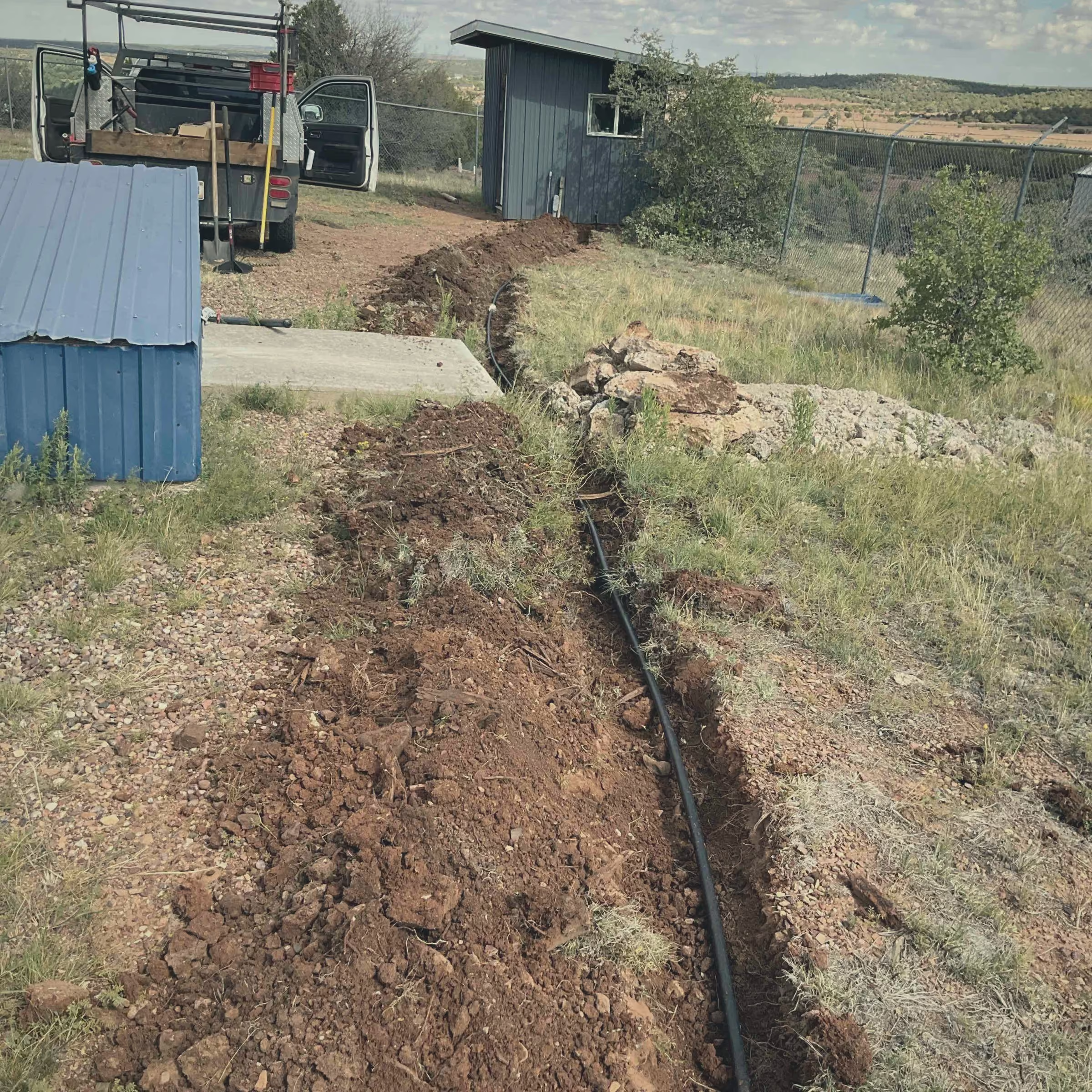
Put each lift station on the map as its own site, then track the work that keeps it running. Pump run times. Wet well cleanouts. Float and alarm checks. Generator tests. The greasing, the seal changes, the small things that add up to a pump that lasts.
Set those up as preventive-maintenance routines so they come due on a schedule instead of when someone happens to remember. The operator gets the task on a phone, does the check standing at the wet well, and records what he found on the spot. Photos of the panel, a note on the pump that is running hot, the date of the last seal change, all of it attached to that station.
Here is the institutional-knowledge payoff. When the twenty-year operator retires, the next person does not start blind. They open the lift station on the map and see every check, every repair, every photo of the wiring and the controls. The trick to the lag pump is written down, not lost. That is built for small utilities, not IT departments: one person can run it, and the record stays with the utility instead of walking out the door.
How wastewater work differs from the water side
If you already map the potable system, the sewer side will feel familiar, but a few things are genuinely different and worth keeping straight.
A mapping app alone can show you a dot, but the work order, the inspection, the condition, and the maintenance history are what make it useful. That is why you need more than a mapping app.
What this looks like in Ziptility
Plain version: Ziptility puts your whole sewer collection system on one map, gravity mains, manholes, force mains, lift stations, cleanouts, and outfalls, with condition and location on every asset. You attach inspection findings, photos, and I and I notes to the exact pipe or manhole where the problem is. You run lift station maintenance as routines so a wet well does not surprise you. It works on a phone in the field, even with no signal, and syncs when you are back in range. You do not need a GIS degree or an IT department, and your data stays yours to export any time.
Other small utilities are already working this way. As Samuel Cushman in Bingen, Washington put it, The state regulators were thrilled... most communities just don't have this. And on how it feels to use, Nick at North Dearborn Water said, It reminds me of something close to Apple.
We have also worked with utilities like Newport, North Carolina, where the goal was getting field-entered compliance sample data into the state reporting system. The shape of the problem is the same: get the work done in the field, keep the record, make it usable when the state asks.
Let us set it up with your actual data. Give us about forty-five minutes and we will load your real assets so you can see your own collection system on the map, not a demo. Book a demo, see how it works, or check what it costs. No GIS degree required.