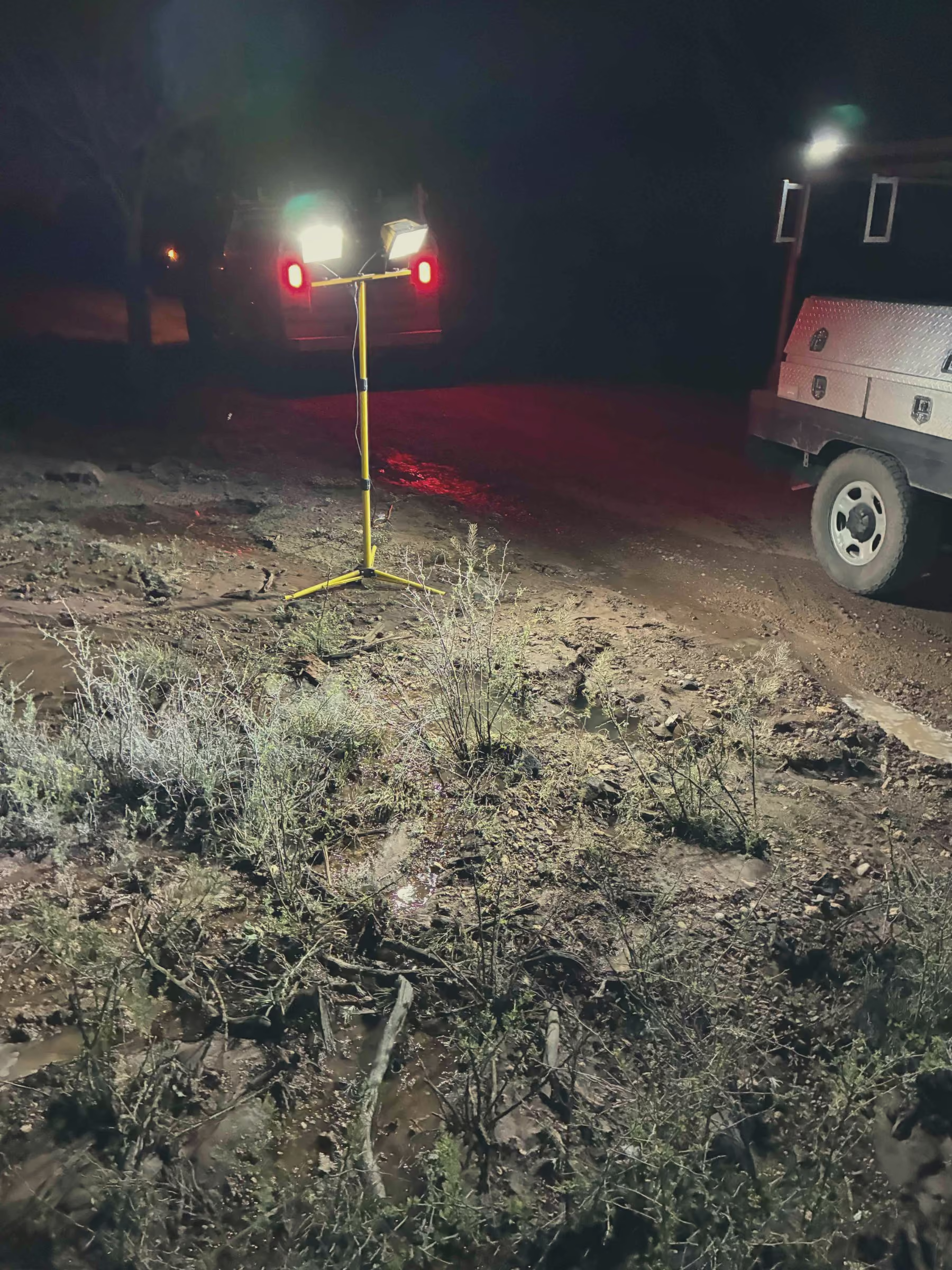
The fax comes in, or the email, or the text from the locate center. An excavator is putting a backhoe in the ground next Tuesday on Third Street, and you have a couple of days to mark your water lines before they dig. You walk back to the office, and the one map you trust is a paper as-built rolled up in a tube. The person who drew it retired two years ago. The only operator who really knows where that 6-inch main jogs around the old school is out sick. So you stand there holding a dig ticket, hoping you can paint the right line in the grass before somebody hits it.
That is the scene. A locate request lands on the desk, and the knowledge you need to answer it is either buried in a binder, scattered across three maps, or living inside one person's head. When that person is gone, the ticket gets a lot scarier.
This post is about closing that gap. Not by changing where the ticket comes from. The dig ticket still comes from your state 811 center, the same way it always has. What changes is what you reach for once it lands. Instead of a paper roll and a guess, you pull up your own map, see your mains and valves and services in the dig area, go mark them, snap a photo, and write down what you told the excavator. Then the record is there for the next ticket, and the one after that.
Why 811 matters more for a small utility, not less
If you run a small water or wastewater system, you are usually the member-operator who has to locate and mark your own lines. There is no big locating contractor on retainer. There is no GIS department to pull a map. When the ticket comes in, it is you, your truck, and whatever you can find about where your pipe is.
That is a heavy thing to carry alone, because a hit is expensive and dangerous. A backhoe through a water main floods a street, cuts off service, and turns into an emergency repair you did not budget for. A struck line can hurt the person on the machine. And if the line that got hit was yours and you did not mark it, the cost and the blame land on the utility.
The whole point of the 811 system is to stop that before it happens. The excavator calls before they dig. The call center notifies you. You go mark your lines so the digging crew knows what is down there and how deep. It works, but only if you can actually find your own lines. For a one-person or two-person shop, that last part is the hard part. You cannot mark what you cannot find, and you cannot find it reliably from a paper map that is decades old.
The workflow: take the ticket, pull up the dig area on your map
Here is the part that gets easier when your system lives on a map instead of in a tube.
The ticket comes in from your 811 center with an address or an intersection and a description of the work area. You read it, then you open your map and go straight to that spot. Now you are not squinting at a folded paper sheet trying to line up a street that got repaved in 1998. You are looking at your actual system on a screen, centered on the dig area.
You can see what you have down there:
- The mains running under and along the street, and which direction they run.
- The valves near the work area, so you know what you would close if something went wrong.
- The service lines coming off the main to each connection.
- Hydrants, manholes, and any other asset sitting in or near the dig zone.
This is the everything-on-a-map idea doing real work. When your mains, valves, hydrants, and services all sit on one map with their location and condition, a dig ticket stops being a research project. You open the app, you find the address, and the lines are right there. One operator we talked to put the feel of it simply.
"It reminds me of something close to Apple." That is Nick at North Dearborn Water, on what the app is like to use. For a locate, that matters. You do not want to wrestle with software while an excavator waits on your mark.
If your map is still on paper today, that is normal, and it is not a knock on you. Most small systems started exactly there. The work is getting it onto a screen so the next locate is faster, and we wrote a whole walk-through on that in going from paper maps to digital GIS.
Go verify and mark in the field, then snap photos
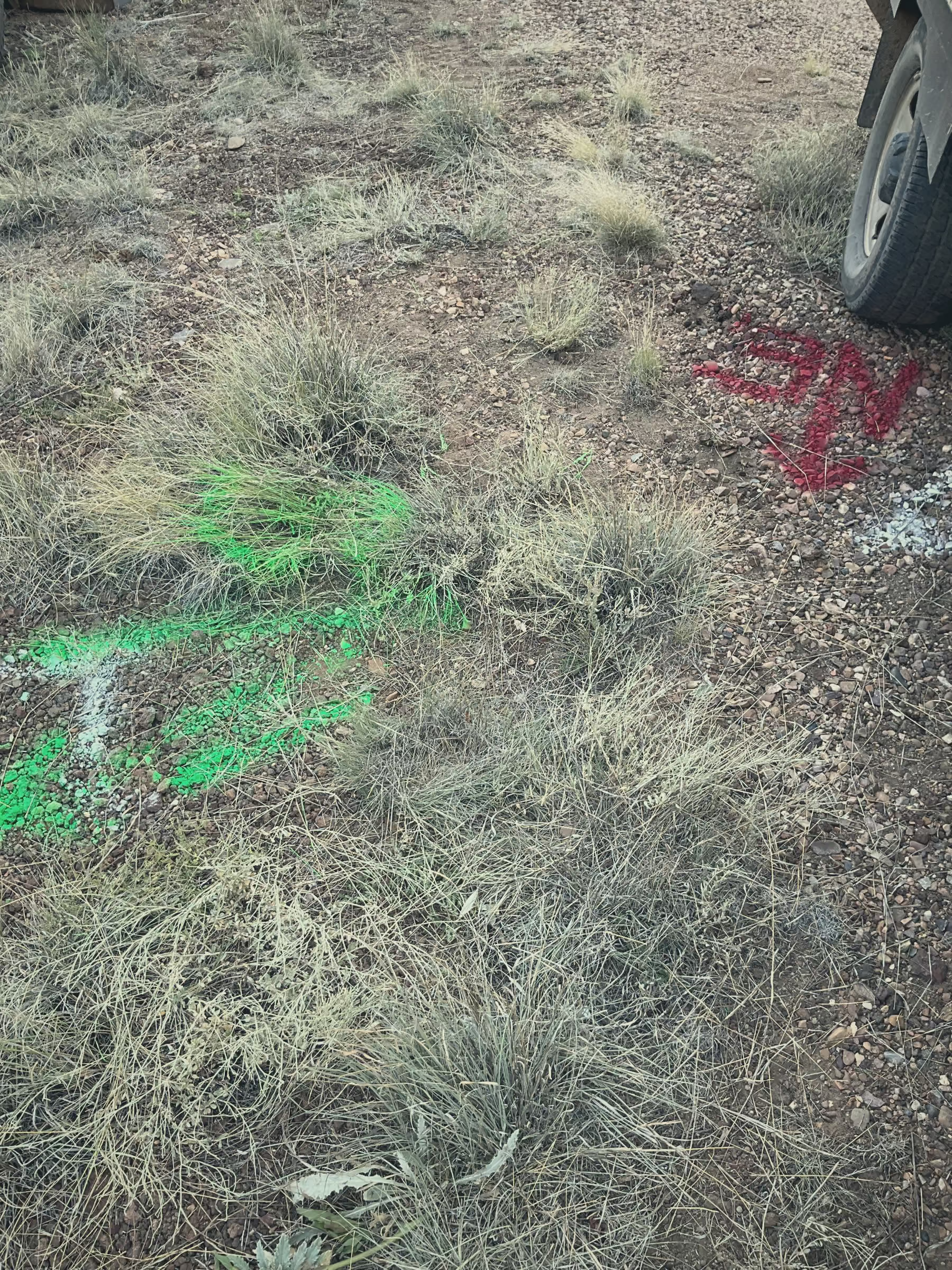
A map gets you to the right spot. It does not replace going out and looking. You still drive to Third Street, find your line, and mark it on the ground with paint or flags, the way you always have.
The difference is what you carry. Instead of a paper roll on the seat of the truck, you have the same map on your phone or tablet, with your location showing as a dot right on top of your lines. You can stand over where the map says the main runs and check it against the valve box you can see, the meter pit at the curb, the hydrant on the corner. You confirm with your own eyes, then you paint.
While you are out there, take pictures. Snap the marks you painted. Snap the valve box, the meter, the spot where the service ties in. Photos attach right to the asset on the map, so the picture of that valve lives with that valve forever. An operator at Veolia described the value of that better than we can.
"Take a picture, add it. Boom. Here's proof."
That is the whole idea. You were there, you marked it, and now you have a photo that shows what you marked and when. The next time a ticket comes in for that same block, the photos are already sitting on the map waiting for you.
Record your positive response so you can prove what you told the excavator
When you finish a locate, you owe the excavator and the call center an answer. That answer is your positive response. It says what you found and what you did: your lines are marked, or there is no conflict, or the excavator needs to call you before they dig deeper. The exact codes and the time you have to respond come from your state 811 program, so check those locally [VERIFY: your state's positive response codes and required response timeframe].
The response itself goes through your state's system, not through Ziptility. We do not connect to One Call or your state 811 center, and we do not pull tickets in for you. What we do is help you build and keep the record behind your response. You marked the line. You took the photo. You can write down the ticket number, the date, what you found, and what you told them, and attach it to the assets right there on the map.
Why keep your own copy when the state system already logged the response? Because if a line gets hit and there is a dispute, you want proof in your own hands, not just a number in somebody else's database. You want to show the date you marked it, the photo of the paint on the ground, and the note about what you told the excavator. That is your side of the story, and it lives with the asset instead of in a drawer.
Keep the damage-prevention record so the next ticket is faster
Every locate you document makes the next one easier. That is the quiet payoff.
The first time you get a ticket for a stretch of Main Street, you do the full job: find the lines, verify them, mark them, photograph them, write down your response. The second time a ticket comes in for that same stretch, half the work is already done. The mains are on the map. The valves are marked. Last year's photos are attached. You are confirming and updating, not starting from scratch.
Over a few years, this is how you build a real damage-prevention record for your whole system. Not a pile of paper tickets in a filing cabinet, but a map where every locate left something behind: a corrected line, a fresh photo, a note about a service that runs deeper than you would expect. The map gets better every time someone uses it.
This is also how you beat the retiring-operator problem. Right now, on a lot of systems, the locate knowledge is exactly the thing that walks out the door when the veteran retires. One operator we work with said it plainly about his own system.
"Preventative maintenance data is stored in Bernie's brain." That is Tyler Henke in Newport, North Carolina. If your locate knowledge is stored in Bernie's brain, you are one retirement away from every dig ticket being a guess again. Getting it onto a map, before that day comes, is how you keep it. We dug into why a map alone is not enough, and why you want the records attached to it, in why you need more than a mapping app, and you can see how the mapping piece fits together on our GIS and mapping page.
What Ziptility does for your locates, in plain terms
Let us be honest about the line between what your 811 center does and what we do, because it matters.
Your state 811 center takes the excavator's call and sends you the ticket. Your state's system records your positive response. We do not touch either of those. We are not One Call, we are not your state 811 program, and we do not import tickets or connect to those systems.
What Ziptility is, for a locate, is the map you pull up, the photos you take, and the records you keep. It is everything-on-a-map so you can find your lines fast when a ticket lands. It is your phone in the field showing where the main runs while you mark it. It is the photo of the paint and the valve box, attached to the asset. And it is your own record of what you found and what you told the excavator, kept on a map that the next operator can actually use. Your data stays yours, and you can export it any time.
Get your map ready before the next ticket comes in
The worst time to wish your system was on a map is the morning a dig ticket lands and the one person who knows where the line runs is out. The good time is now, before the ticket comes.
We will help you get started with your actual data. Send us what you have, a paper map, a spreadsheet, an old PDF, and we will sit down with you and set it up in about 45 minutes, using your real mains and valves and services so you can see your own system on a screen. From there, the next locate is a different kind of day.
You can book a demo, see how it works, or check what it costs. No GIS degree, no big budget, and no IT department required.
.avif)